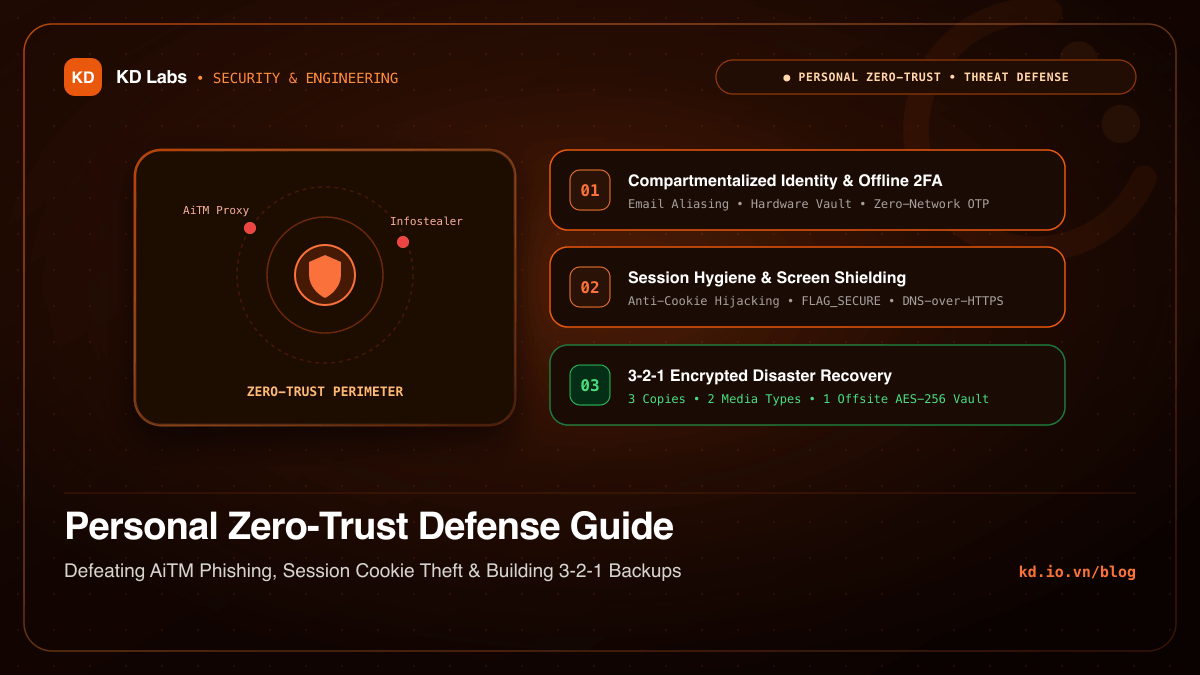
For years, mainstream personal security advice boiled down to two simple rules: “Use a strong password and turn on two-factor authentication (2FA).” While still essential, the modern threat landscape has evolved dramatically. Sophisticated adversaries rarely waste time brute-forcing passwords anymore; instead, they bypass authentication screens altogether using Adversary-in-the-Middle (AiTM) Reverse Proxies and Session Cookie Hijacking.
How can an everyday engineer, creator, or privacy-conscious individual defend against these advanced attack vectors without turning daily computing into exhausting paranoia? The answer lies in adopting a Personal Zero-Trust Architecture built on Identity Compartmentalization and Sovereign Recovery. In this guide, KD Labs walks through a practical, battle-tested defense blueprint.
1. Dissecting the Two Most Dangerous Modern Attack Vectors
To build effective defenses, we first need to understand how modern attackers circumvent conventional login perimeters:
1.1. Adversary-in-the-Middle (AiTM) Reverse-Proxy Phishing
Unlike legacy phishing pages that merely served static HTML clones to harvest passwords, modern phishing frameworks (such as Evilginx) operate as a transparent, real-time HTTPS Reverse Proxy positioned between the victim and the legitimate service:
[ Victim Browser ] ◄───► [ Malicious AiTM Proxy Server ] ◄───► [ Real Service Server ]
  1. Submit Password ─────────► Relayed in Real Time ─────────► Credentials Verified
  2. Submit 2FA Code ─────────► Relayed in Real Time ─────────► 2FA Challenge Passed!
                                Captures Session Cookie ◄────── Issues Session Cookie
As soon as the legitimate server validates your login and issues an authenticated Session Cookie / Access Token, the AiTM proxy intercepts and clones that session token. Even with 2FA enabled, the attacker now holds an active, authenticated session.
1.2. Browser Session Cookie Theft (Infostealer Malware)
Whenever you check “Remember me for 30 days” in a desktop browser, the browser stores a persistent session token inside a local SQLite database. If you inadvertently execute a trojanized software installer, a malicious npm/PyPI package, or a rogue browser extension, Infostealer malware (such as Lumma or RedLine) immediately extracts your decrypted browser cookie store and exfiltrates your active sessions—bypassing both passwords and 2FA entirely.
“In an era of session-stealing malware, security cannot stop at the login prompt—it must extend across browser isolation, endpoint hygiene, and hardware-enforced boundaries.”
2. Pillar 1: Identity Compartmentalization (Containing the Blast Radius)
A core tenet of Zero-Trust is assuming that any third-party web service you sign up for today may suffer a database breach tomorrow. To ensure a breach at a forum or retail store never cascades into your banking or cloud infrastructure, partition your digital identity across three concentric rings:
- Ring 0 – The Core Vault Identity (Strictly Private): Use a dedicated email address that is never shared publicly, never used for newsletters, and never used on social networks. Reserve this address exclusively for banking, primary domain registrars, and critical financial institutions.
- Ring 1 – Professional & Verified Identity: Your primary professional email used for GitHub, LinkedIn, workplace collaboration, and trusted contacts.
- Ring 2 – Compartmentalized Alias Identities: Use an Email Aliasing service (such as SimpleLogin, AnonAddy, or Apple Hide My Email) to generate a unique forwarding address for every individual online shop, forum, or SaaS trial. If a service gets breached or sells your address to spammers, you instantly know which vendor leaked your data and can revoke that specific alias with a single click.
3. Pillar 2: Session Hygiene & Endpoint Shielding
To neutralize both AiTM Phishing and Session Cookie Theft, enforce strict isolation on your desktop and mobile endpoints:
3.1. Desktop Browser Profile Isolation & Encrypted DNS
- Dedicated Clean Browser Profile: Create a separate browser profile—with zero third-party browser extensions installed—dedicated strictly to banking, cloud consoles (AWS/Cloudflare), and financial accounts. Over 80% of browser-based session leaks stem from over-privileged extensions granted
Read and change all your data on all websitespermissions. - Threat-Blocking Encrypted DNS: Configure DNS-over-HTTPS (DoH) or DNS-over-TLS (DoT) using security-filtered resolvers (such as Cloudflare
1.1.1.2or Quad99.9.9.9) that automatically block newly registered phishing domains (NRDs) and known command-and-control hosts at the network layer.
3.2. Mobile Endpoint Hardening: FLAG_SECURE & Zero-Network Isolation
Your smartphone holds the keys to your 2FA tokens. A well-engineered mobile security app must actively defend against spyware or screen-recording trojans running on the same device:
// Android window flag blocking unauthorized screenshots & background screen recording
getWindow().setFlags(
    WindowManager.LayoutParams.FLAG_SECURE,
    WindowManager.LayoutParams.FLAG_SECURE
);
When an authenticator enforces FLAG_SECURE on Android and privacy snapshot masking on iOS:
- Any attempt by background malware or unauthorized accessibility services to capture the screen produces a blank black frame.
- Switching between apps in the OS multitasking switcher immediately obscures sensitive OTP codes from shoulder-surfing or cached thumbnails.
4. Pillar 3: The 3-2-1 Encrypted Backup Strategy for Disaster Recovery
Personal cybersecurity must balance two opposing failure modes: Unauthorized Intrusion (an attacker gets in) and Catastrophic Lockout (you get locked out when your phone is lost, stolen, or damaged). A security setup so rigid that dropping your phone in water permanently locks you out of your digital life is a brittle design.
Implement the time-tested 3-2-1 Backup Rule paired with client-side Zero-Knowledge encryption:
| 3-2-1 Component | Engineering Principle | Practical Implementation for 2FA & Critical Secrets |
|---|---|---|
| 3 Copies of Data | Maintain at least 3 independent copies of critical secrets | 1 active vault on your primary phone + 2 encrypted backup archives. |
| 2 Different Media | Store copies across at least 2 distinct storage technologies | Copy 1 on smartphone silicon flash; Copy 2 on an external USB/SSD flash drive. |
| 1 Offsite Copy | Keep 1 encrypted copy in a separate physical/cloud location | A .simpleotp file sealed with AES-256-GCM stored in a personal cloud or physical safe. |
Because the .simpleotp backup container generated by Simple OTP is encrypted locally using PBKDF2 (100,000 iterations) and AES-256-GCM before it ever leaves your device, your offsite copy remains mathematically opaque to third parties while letting you restore your entire 2FA vault onto a new phone in under 60 seconds.
5. Personal Zero-Trust Security Audit Checklist
Take 15 minutes this week to audit your personal security posture against these five foundational controls:
| Security Control | High-Risk Posture (Vulnerable) | Recommended Zero-Trust Standard |
|---|---|---|
| Two-Factor Auth (2FA) | SMS OTP or cloud-synced 2FA with internet permissions | 100% Offline Authenticator (Simple OTP) + Hardware Keys |
| Password Hygiene | Reusing variations of 2–3 memorized passwords | Unique 20+ character random passwords per service |
| Browser Architecture | Running dozens of extensions inside your banking browser | Dedicated, zero-extension browser profile for critical accounts |
| Email Identity | Using one primary email address across every website | Core vault email isolated + unique Email Aliases per service |
| Disaster Recovery | No offline backup if primary phone is lost or broken | Encrypted .simpleotp backup following the 3-2-1 rule |
Final Thoughts
Practicing Personal Zero-Trust is not about living in perpetual fear—it is about building calm, resilient defaults. When your cryptographic keys are sealed inside hardware enclaves, your authenticator requests zero network permissions, and your backups are protected by authenticated AES-256-GCM encryption, you gain true peace of mind in the digital world.
Start fortifying your personal security foundation today with Simple OTP—the free, open-source, 100% offline 2FA authenticator crafted by KD Labs.